
PWA QR Code Scanner - available today!
The new relays ship a QR scanner you can pin as a PWA. Point your phone at the code in Expressed — no typing, and the join sticks.
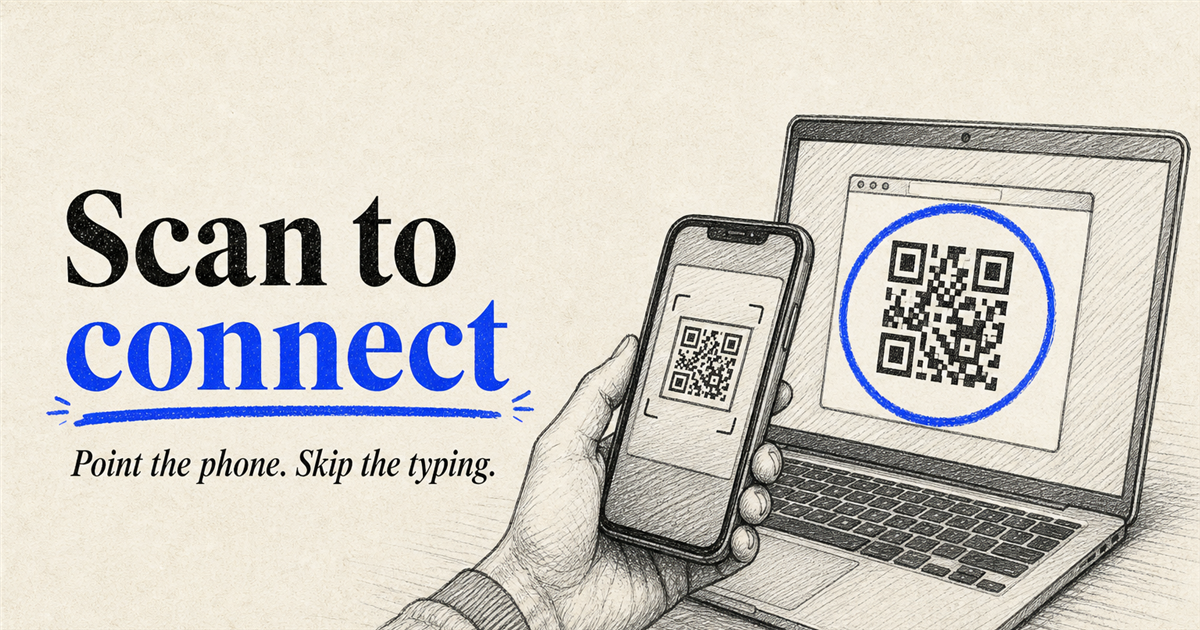
To join an Expressed session - I’d typically fire up the camera on my surface tablet and wait for it to recognize the QR code, then tap the URL that appears at the bottom of the UI.
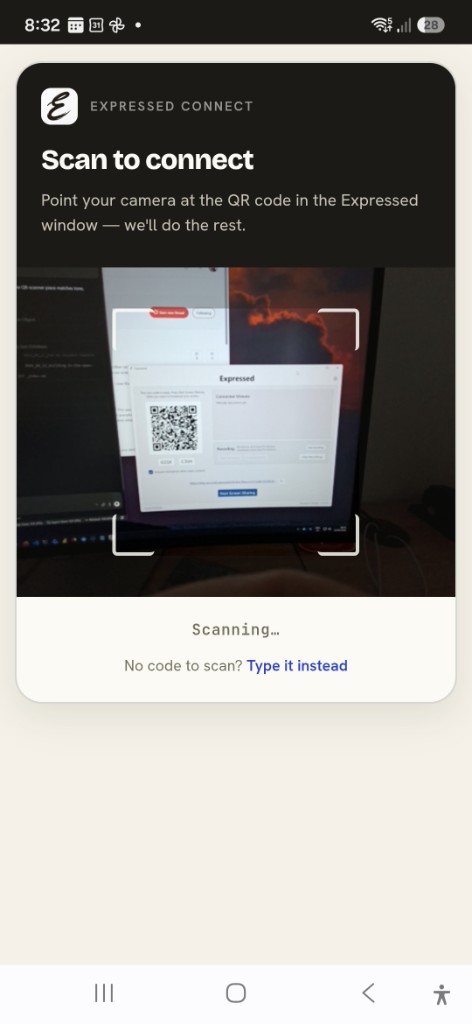
There is an easier way though - the relay’s also host a PWA app that scans QR codes, if it recognizes the Expressed system - it’ll auto-join you to the session - one less step in the whole process.
From the join page, tap Scan it, point your phone at the code in the Expressed window, and you’re in. No typing a share code.
That’s a tip that’ll make your day just that teeny bit better.
Where do I get it, John? So glad you asked - hit these links (regional dependant - just look and pick the one closest to you - yes yes, I’ll deal with that little geo issue later):